RAW vs JPEG – Which Format Should You Shoot for Nature and Wildlife?

Choosing between RAW vs JPEG is one of the most important decisions for anyone photographing nature and wildlife. This choice impacts image quality, editing possibilities, storage needs, and even how quickly you can share your photos. In this blog, you’ll get a clear, easy-to-understand guide to help you decide which format best suits your style and goals in the wild.

A good snapshot keeps a moment from running away.
– Eudora Welty
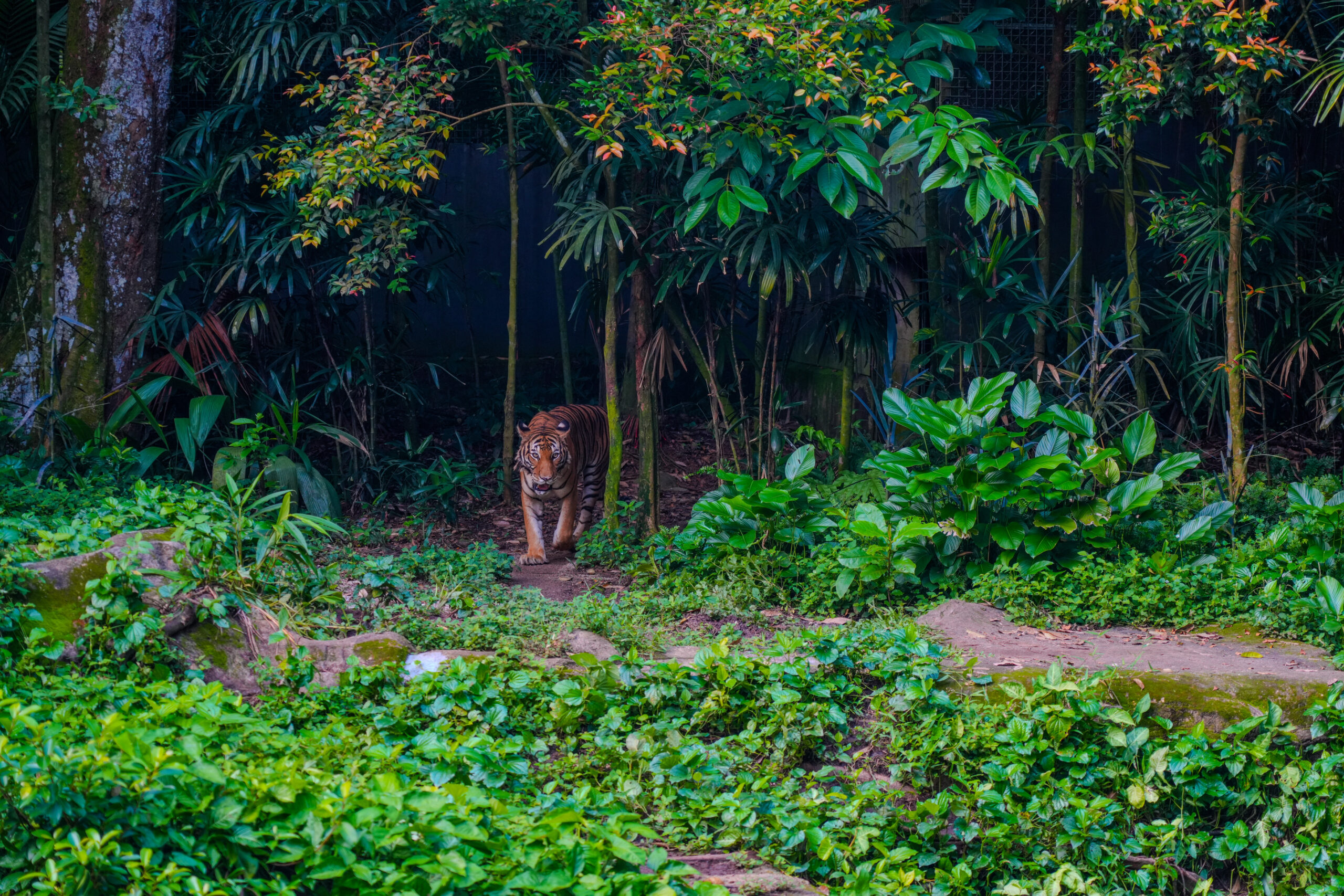
A tiger walks from dense forest into a green clearing.
Photo courtesy: Team Fotolobby

Tiger emerges from lush forest shadows.

What Are RAW and JPEG Files?

RAW: An uncompressed, unprocessed file containing all the data captured by your camera’s sensor. Think of it as a digital negative—big, flexible, and full of details, but requiring editing before sharing or printing.
JPEG: A processed and compressed image file, ready straight from the camera. Smaller, universally compatible, and perfect for quick sharing, but with some loss of detail and editing flexibility due to compression.

Key Differences: RAW vs JPEG

FeatureRAWJPEG
Image QualityHighest—retains full detail, dynamic range, color depthProcesses in camera, some detail & data is lost
File SizeLarge (10–30MB+ per photo)Small (2–12MB per photo)
Editing FlexibilityMaximum: Easily recover shadows/highlights, change white balance, adjust colorsLimited: Major edits cause visible quality loss
ConvenienceNeeds post-processing and special software to useInstantly shareable, viewable on any device
Buffer/SpeedSlower (big file sizes, camera buffer fills quickly)Faster (good for shooting bursts of action)
Storage NeedsHigh—fill up memory cards and hard drives quicklyLow—more images per card
Use CaseBest for serious editing, printing, publishing, or challenging lightingBest for quick sharing and everyday snaps

Pros & Cons for Nature and Wildlife Photography

When to Choose RAW
Editing Power: RAW gives you maximum control—adjust exposure, rescue over- or underexposed details, fine-tune colors, and reduce noise.
Difficult Lighting: Wildlife and landscapes often mix bright skies and dark woods; RAW’s wide dynamic range lets you save more detail in tough scenes.
Large Prints/Competitions: High detail and quality are essential for printing big or entering contests.
Complex Color: Nature’s vivid colors look best when you can fully edit and tweak them from the original file.
When to Choose JPEG
Speed: Shoot hundreds of quick shots (such as birds in flight), or need to fill your camera’s buffer? JPEG processes and stores faster, meaning more shots without waiting.
Instant Sharing: If you want to send photos quickly to friends, family, or social media—with no need for editing—JPEG is ready to go straight out of the camera.
Storage Saving: Going on a long trip and worried about running out of card space or hard drive room? JPEG’s small size is an advantage.
Simple Workflow: Prefer not to edit or don’t have time? JPEG already has adjustments made by your camera—contrast, sharpening, color.

Practical Tips for Nature and Wildlife Shooters

Use RAW for…
Dramatic landscapes at sunrise/sunset.
Wildlife subjects in harsh or changing light (e.g., a tiger in the shadows).
Critical or “once-in-a-lifetime” shots you plan to print or publish.
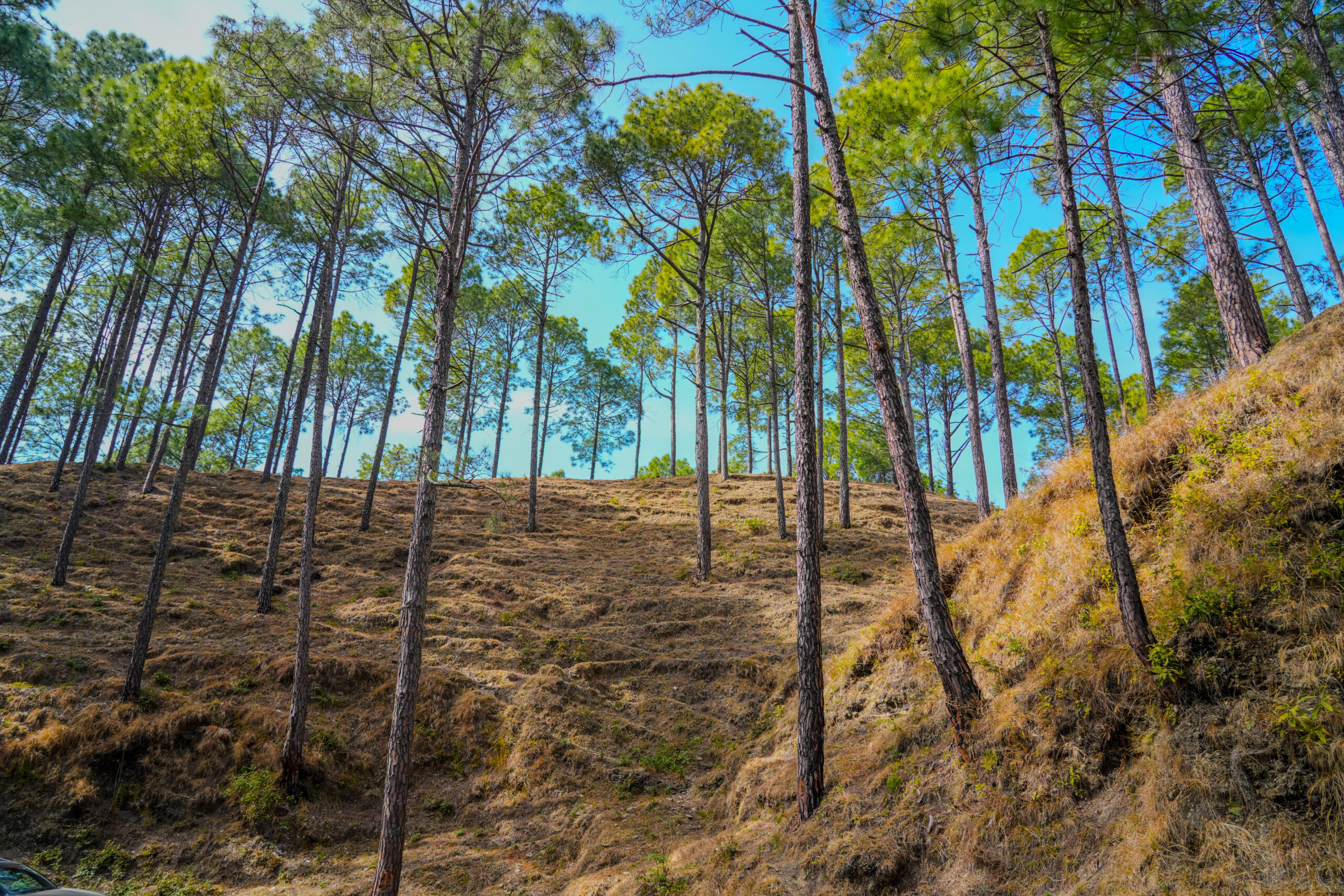
Tall pine trees grow on a dry, grassy hillside under a bright blue sky.
Photo courtesy: Team Fotolobby

Tall pines rise above a sunlit hillside.
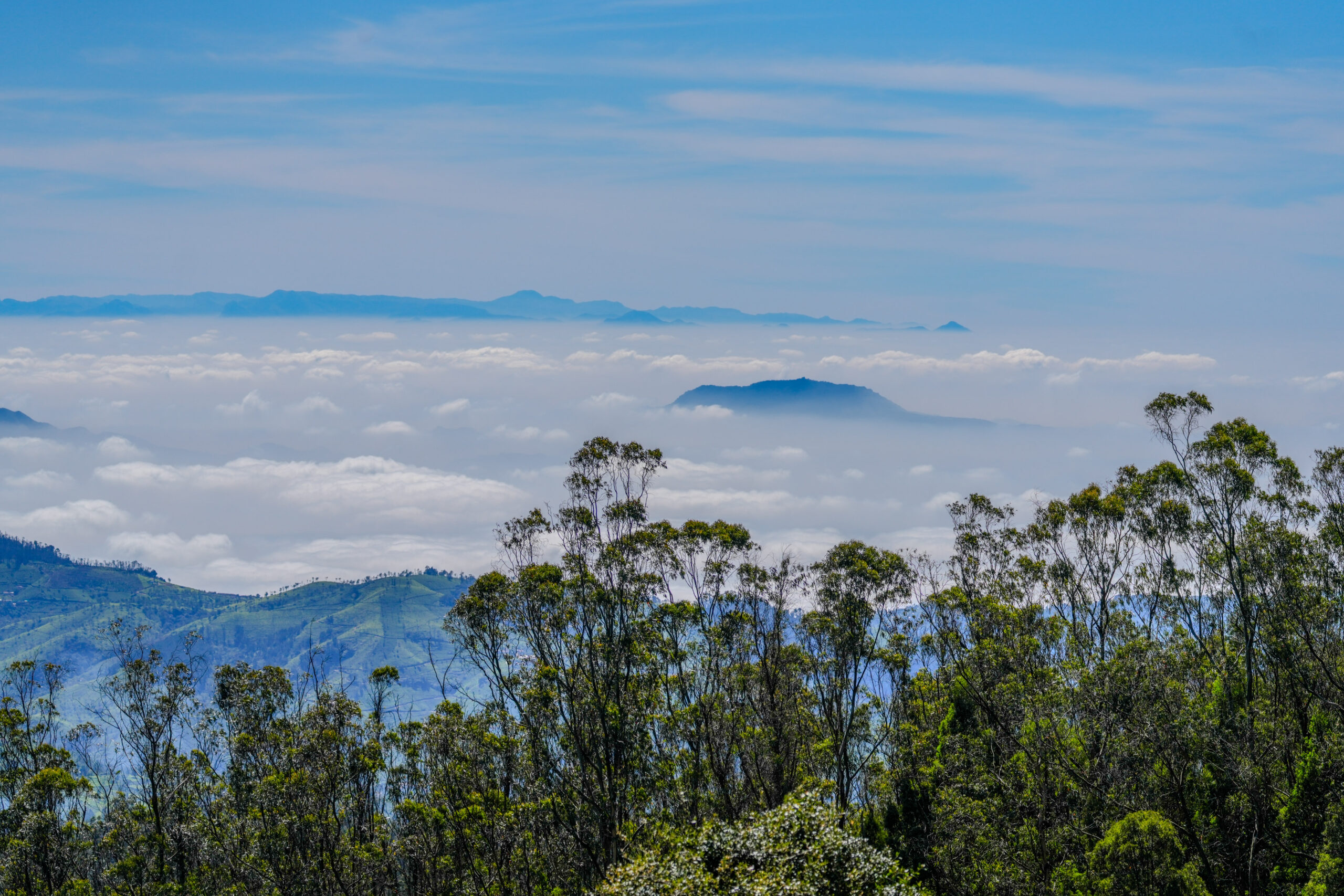
Lush green hills and tall trees rise above a thick layer of clouds, with distant blue mountains under a clear sky.
Photo courtesy: Team Fotolobby

Clouds blanket green hills beneath blue Ooty, Tamil Nadu skies.

Use JPEG for…
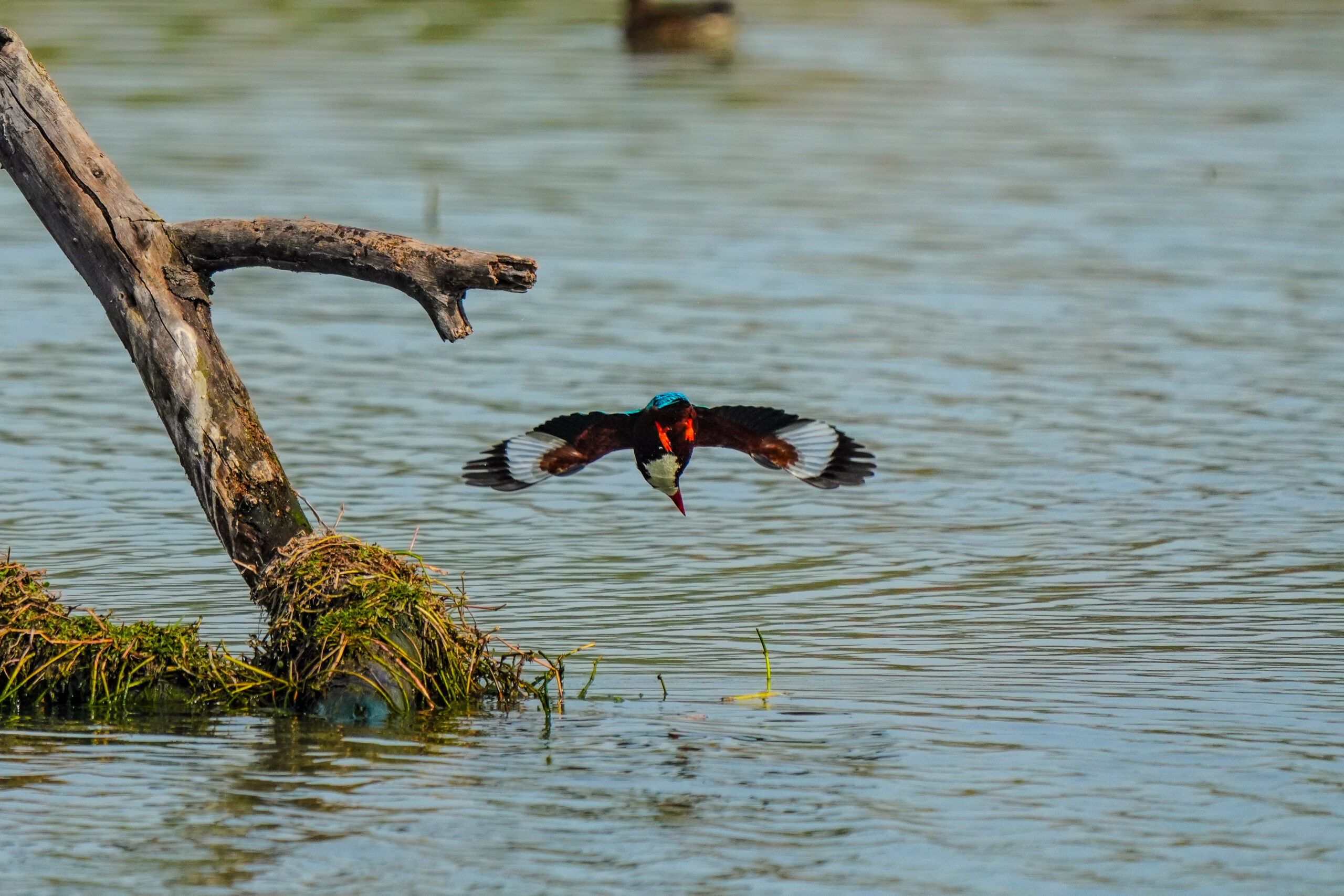
Fast-action bursts (flocks of birds, running animals).
Casual, everyday photos, or if you want to quickly share your adventure.
Shooting when you’re running short on storage space or don’t want to edit extensively.
A kingfisher in flight, wings spread wide, swooping low over water with a log and grassy mound nearby.
Photo courtesy: Team Fotolobby

Kingfisher dives over water.

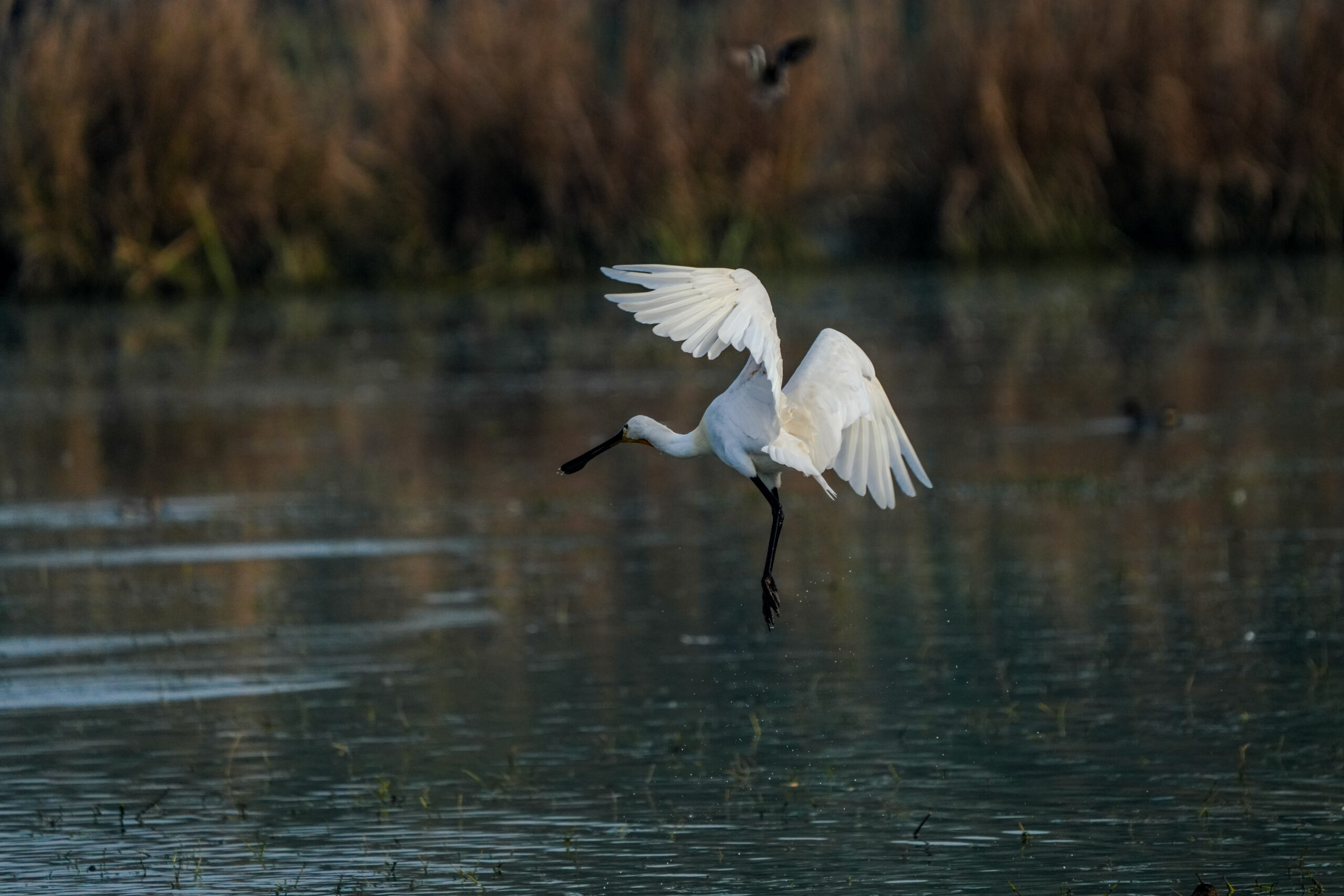
A white spoonbill with outstretched wings hovers above shallow water in a marshy wetland.
Photo courtesy: Team Fotolobby

Spoonbill glides over water.

Hybrid Solution: RAW + JPEG

Most modern cameras let you save both RAW and JPEG at the same time. This gives you instant quick-share images and a high-quality RAW file for later editing—ideal for covering all bases.

Myth: RAW is always better
Fact: RAW gives more flexibility, but JPEG is ideal for speed, ease, and storage—especially for action or pure sharing needs.
Myth: RAW is always better
Fact: High-quality JPEGs are excellent if you nail your exposure and don’t need to edit heavily—many photojournalists use JPEG for speed.
Myth: You must choose only one format
Fact: Using both formats (RAW + JPEG) covers almost all scenarios.

Conclusion: Which Should You Shoot?

For most nature and wildlife photographers, especially those who want the best possible image quality and editing flexibility, RAW is your friend. It opens up creative options in tricky lighting and helps capture all the subtle detail and dynamic range of the landscape or wildlife you love to shoot.

But if your priority is speed, convenience, or storage, or you simply want quick, ready-to-go images, JPEG remains a solid, practical choice.

Pro tip: If you’re unsure which is right for you, try shooting RAW + JPEG on your next adventure. You’ll get the best of both worlds—instant shareable photos and high-quality files ready for creative edits, printing, or contests.

Notice Title

All images used in this blog are copyrighted. Unauthorized use, reproduction, or redistribution of these images is strictly prohibited. Please contact the site owner for permission or licensing inquiries.

Leave a Comment

Your email address will not be published. Required fields are marked *

Scroll to Top